
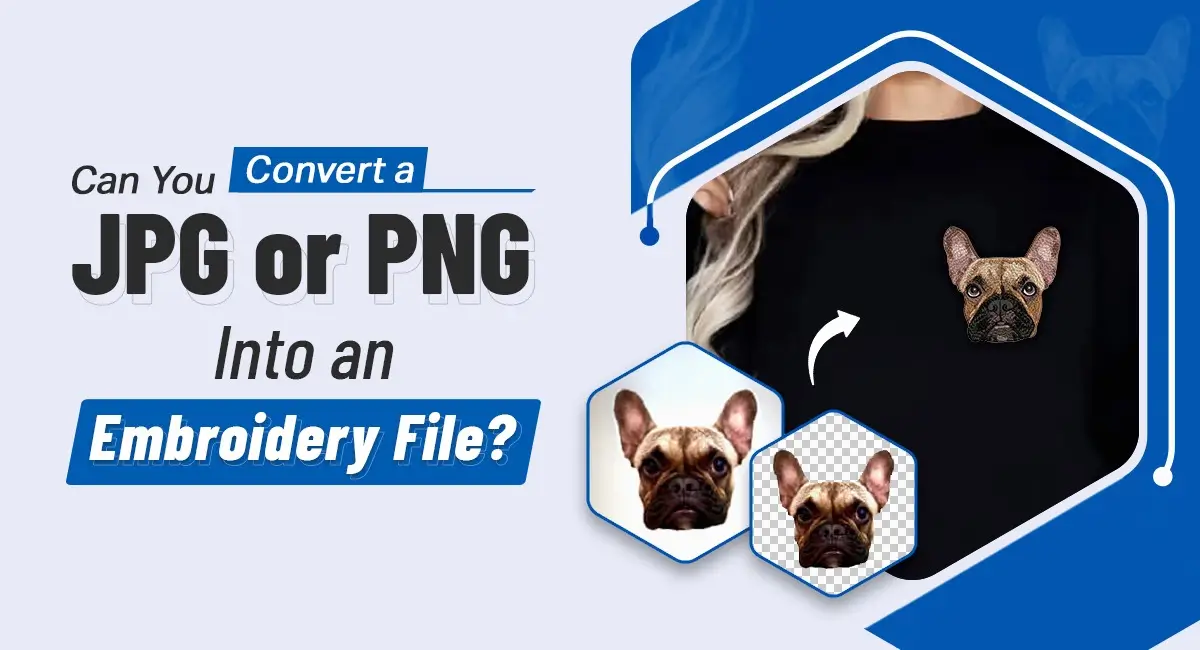
Can You Convert a JPG or PNG Into an Embroidery File?
EMBROIDERY DIGITIZING / October 28, 2026
Here’s a scene you’ve probably lived through more than once: a client walks in - or emails - with a logo. It’s a JPG, maybe a PNG, pulled straight off their website. They want it on caps, polos, maybe the whole staff’s uniforms. And they’re expecting you to just “load it up” and start stitching.
You know better. But explaining why takes a minute.
Can You Convert a JPG or PNG Into an Embroidery File?
Short answer: not by simply converting it. Renaming a JPG to a DST file doesn’t make it one - embroidery machines don’t read pixels, they read instructions. That transformation is called embroidery digitizing, and it’s a different skill set entirely from graphic design.
There are automated tools that will take a stab at digitizing embroidery designs for you, spitting out a stitch file in seconds. Convenient, sure. But “fast” and “sew-ready” aren’t always the same thing. Auto-digitized files frequently need manual cleanup and a test stitch-out before they’re fit for a production run. Skip that step and you’re gambling with your client’s fabric - and your reputation.
Why Image Files Need Embroidery Digitizing
A JPG is a grid of colored dots. An embroidery file is a map - stitch type, direction, density, sequencing, where the thread trims. Converting one into the other means someone has to make dozens of judgment calls the image file never made. A client’s fine serif logo? Someone has to decide whether that detail survives at hat-size or needs simplifying first. That’s digitizing, not conversion.
Why Auto-Digitized Files Can Fail in Production
Not every auto-digitized file blows up on the machine - plenty run fine. But when things go sideways, it’s usually density that’s off, underlay that wasn’t planned for the fabric, sequencing that makes the hoop jump more than it should, or pull compensation that didn’t account for how the material stretches. The outcome depends on the artwork, the fabric, the stabilizer, and the machine settings - all working together, or not.
When Specialized Digitizing Matters
Got a client asking for 3D puff embroidery designs? That’s its own discipline - foam coverage, stitch direction, column width, and edge finishing all need deliberate planning, not guesswork. The same logic applies outside of logos, too - a quick look at personalized pet embroidery for apparel, bags, and more shows how a different kind of fine detail work, capturing fur texture and expression, calls for its own specialized approach. Same with detailed logos or tiny lettering: what reads clearly on a screen can turn into mush at 2 inches wide unless it’s adjusted for the medium first.
Choosing an Embroidery Digitizing Service
If digitizing in-house isn’t your thing, or you need overflow support during busy seasons, look for a partner with real experience in your specific technique, support for the machine formats you use, a clear revision policy, and someone who’ll talk through production issues instead of just emailing back a file and vanishing.
This is where custom embroidery digitizing and image to embroidery file conversion earn their keep - done right, once. Artlogo offers an embroidery digitizing service, including dedicated 3D puff embroidery digitizing, with support for standard formats like DST, PES, and EMB.
Next time a client’s JPG lands in your inbox, send it through Artlogo’s quote request first and find out exactly what it needs before you commit it to the hoop. Or if you’ve got questions before that, get in touch with the team directly.